
Download MovieBox For PC
Are you a desktop user and want to watch some of your favorite movies, but don’t have an OTT subscription? Try MovieBox For PC, which can be installed on Windows and macOS devices, and opening it will give you access to a gateway to stream high-quality movies and series that include newly released regional and international content. You get all the premium OTT-like benefits, such as a built-in media player, subtitles with the option to choose language, and customize its appearance.
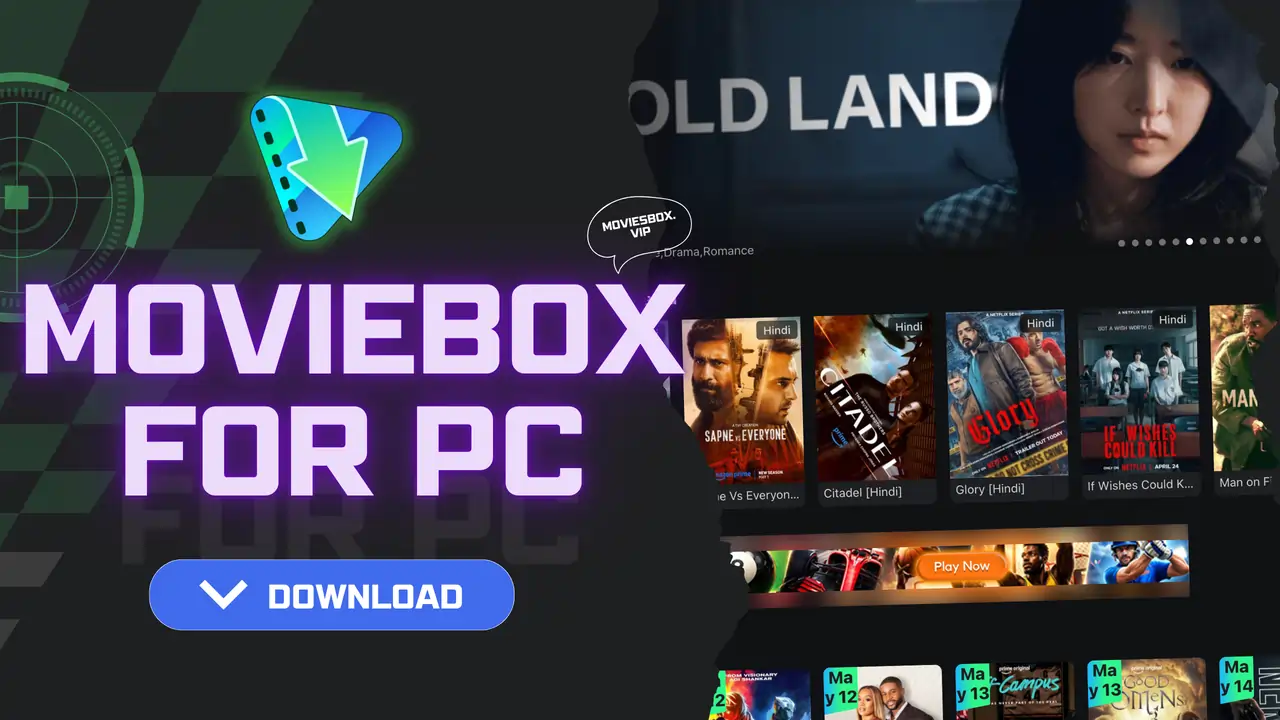






Just like Netflix or HBO Max, MovieBox brings a content library with a personalized AI-based suggestions system that recommends content based on your preferences, which gets better as you use this app for a while. Here you can download the latest MovieBox app for your PC, and it will be your one-stop destination for all your movies and shows.
About MovieBox For PC
MovieBox is a subscription-free online movie streaming app that can be used to access a vast array of films, asian dramas, and anime content. Users can either download movies from this to watch from the device’s local storage on their PC, or they can stream directly from MovieBox using its pre-installed media player. Both ways, you can watch movies and shows in HD quality without ad disturbance, and all its services are completely free to use.
No account or login needed. Download MovieBox, launch, and instantly enjoy thousands of international movies and live shows. Discover content in multiple languages like English, Hindi, Portuguese, and Spanish. There is an option on the home feed to select your country and choose the preferred region, which will filter content to explore local films and series.
Advanced Features of MovieBox App on PC
Easy to Use Interface
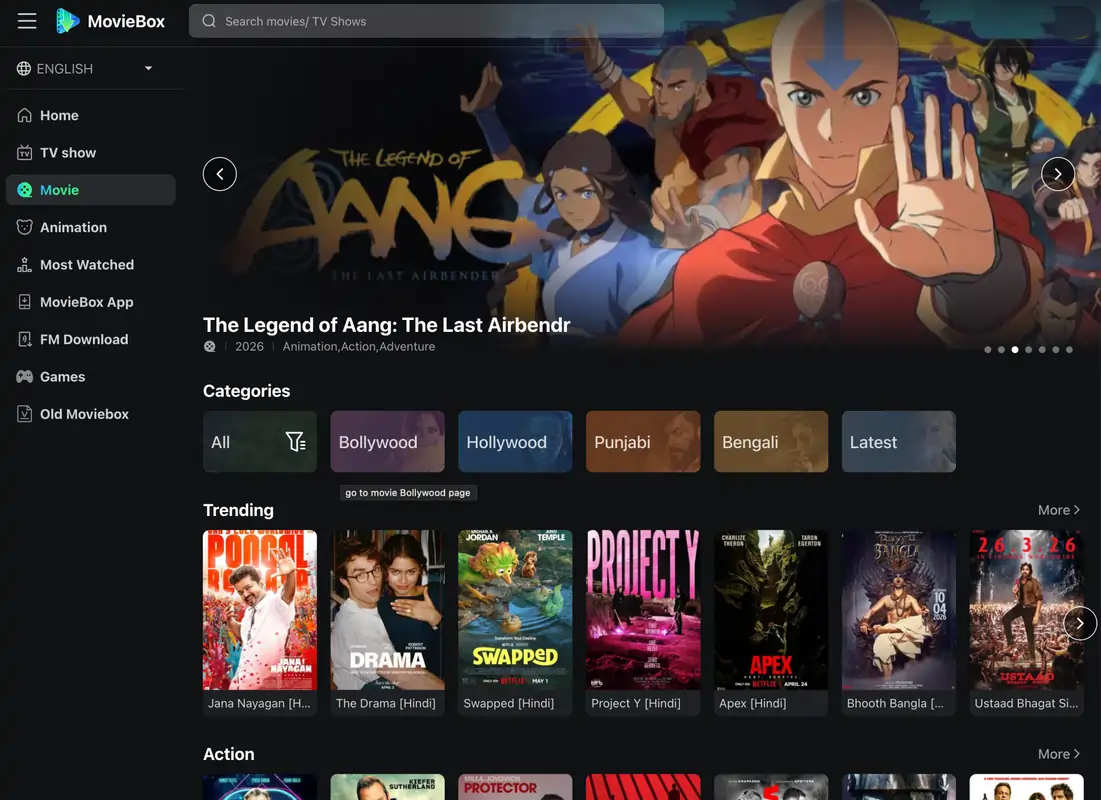
Its UI on PC is pretty eye-catching and good-looking. The app comes with a dark theme layout by default, and it has a sliding featured grid at the top showcasing the current most popular films and shows. You can browse through various sections displayed on the screen, such as Series, Western, Live TV, Movies, OTT, etc. Built in search bar on the top, making it easy to look for a certain film and watch it on the app.
Multilingual & Dubbed Content
Language barrier is now just a word on paper, but not true anymore, at least when you’re using the MovieBox app, because you can freely watch Japanese anime, Hollywood movies, and South Korean dramas in your regional language with subtitles. Some titles are also available in dubbed versions with multiple audio language that makes it even easier to grasp the context of the film.
Ad-Free Streaming
You can finally enjoy an uninterrupted browsing and streaming experience. MovieBox ensures there are no more ads to spoil your fun, as it’s designed to be entirely free from commercials. This means you can stream your favorite movies online or effortlessly explore the content feed for hours on end, without a single annoying ad ever appearing on your screen.
Safe & Secure App
MovieBox claims to be a safe application where users’ privacy is not invaded, and creates a safe environment where users can browse through all sections and watch high-quality movies without any fear of data breach from their device. MovieBox’s latest version is highly optimized and does not have any major bugs or security loopholes.
Create Watchlist
Scrolling through the vast content library of MovieBox, if a certain piece of content gets your attention but you would like to check it out later when you’re free, then simply click on that title and tap on the Plus icon that shows on the screen to add it to the watchlist so that even if you forgot its name, you can find it later anytime simply by opening your watchlist.
OTT Series/Movies
The exclusive OTT series and premium original content are easily accessible on the MovieBox app. It provides OTT content from multiple services, and you don’t even need those apps installed on your device; you can access all your favorite OTT platform content in one place on the Movie Box app.
Fresh & Updated Content
Who doesn’t like watching newly released movies? Everyone does, right? But that’s ain’t the question, the bigger question is where you can watch the latest movies because they aren’t available on OTTs instantly after release. The answer is MovieBox, which is free, unlike paid OTTs, but still provides instant access to just-launched movies that you can watch in higher resolution on your compatible device.
System Requirements for Using MovieBox For PC
| Component | Minimum Requirement | Recommended Setup |
|---|---|---|
| Operating System | Windows 7 / 8 / 10 / 11 or macOS | Windows 10 or Windows 11 (64-bit) or macOS |
| Processor | Intel or AMD Dual-Core CPU | Intel i5/i7 or Ryzen 5/7 or Apple M1 |
| RAM | 4 GB | 8 GB or higher |
| Storage Space | 5 GB free space | SSD with 10 GB+ free space |
| Emulator | BlueStacks installed | Latest version of BlueStacks |
| Audio | Basic speakers/headphones | HD speakers or surround sound |
| Graphics Driver | Standard updated drivers | Latest GPU drivers installed |
How to Download and Install MovieBox on PC/Laptop?
Installing MovieBox will only take these four simple steps outlined below, so read them carefully first and then follow step by step to successfully install at the first attempt.
Step 1. Install Android Emulator: Start by opening a web browser and searching for the BlueStacks emulator, then visit the official website and download the software on your PC. Double-tap on the downloaded installer file to simply install the Android emulator on your device.
Step 2. Download MovieBox App: Open a new tab in the browser and visit our website – ‘https://moviesbox.vip/‘, then press the download button at the top of the webpage to download the latest MovieBox APK file.
Step 3. Setup Emulator: Launch BlueStacks once installed and start setting it up simply by signing up with your Google account, which will activate all the Google Play Services, allowing you to install APK files.
Step 4. Install MovieBox: Open the App Player section in the emulator, then simply drag and drop the MovieBox APK file to install this app. After it is installed, you can access MovieBox on your desktop and use it to watch your beloved movies.
Pros & Cons
Pros
Cons
FAQs
Conclusion
So guys, now you’re aware that MovieBox for PC is a desktop-friendly version of this streaming app designed to give you easy access to thousands of films, series, and dramas from all around the world in multiple languages, so people of all ages can use it and find something interesting to watch. The app delivers a smooth and ad-free viewing experience with various premium features like customizable video resolution, the ability to style subtitles with different colors & font size, and it comes with a built-in Chromecast feature that helps you cast the app to other devices.

